Strategy Builder Not Running
-
I am currently trying to run the Strategy Builder and every time I run the create strategy it just flashes but does not run. I have tried many more times but got the same problem. I have aso tried to run it in another browser and got the same problem. Please advise, thanks
-
@nosaai Hi,
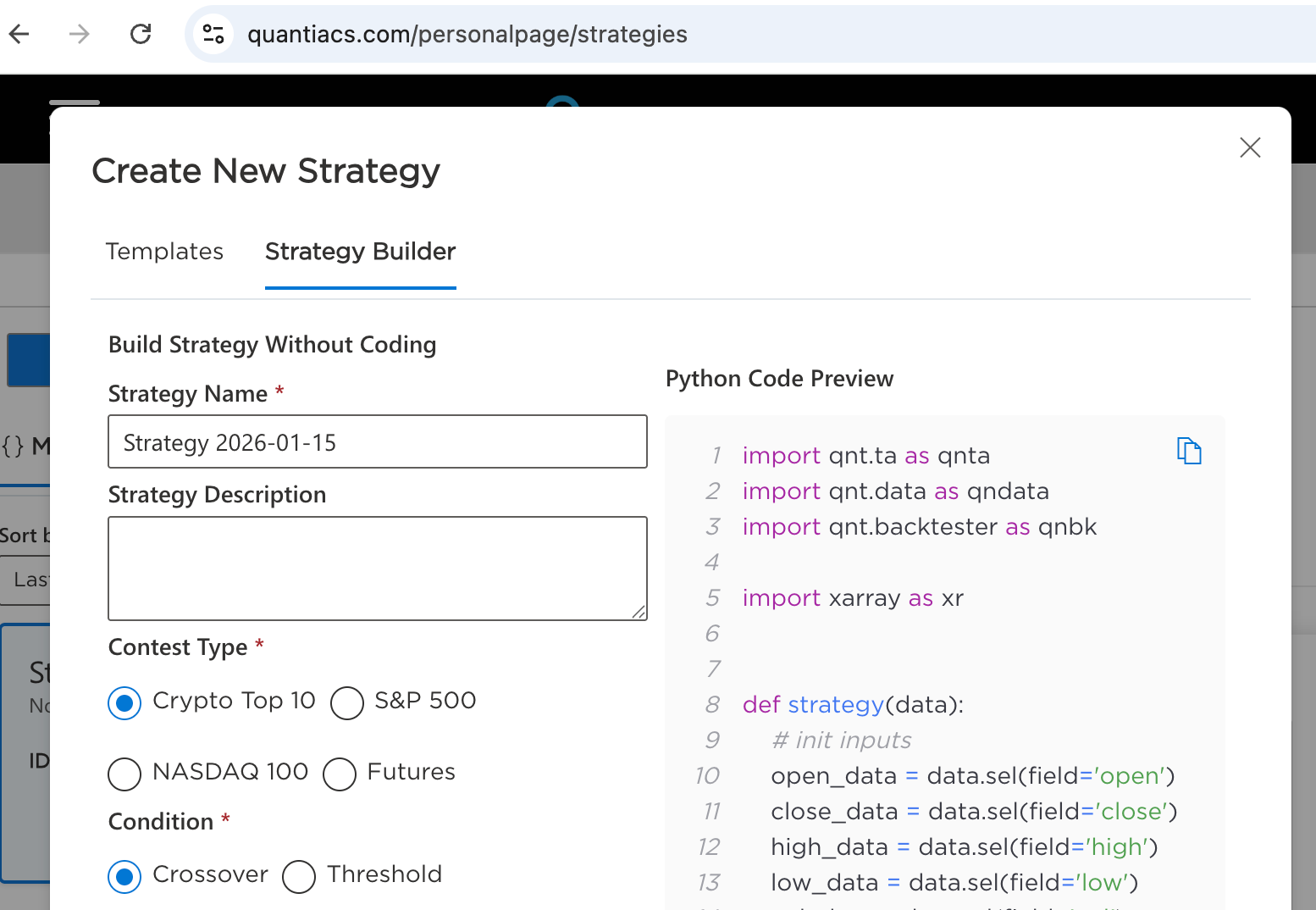
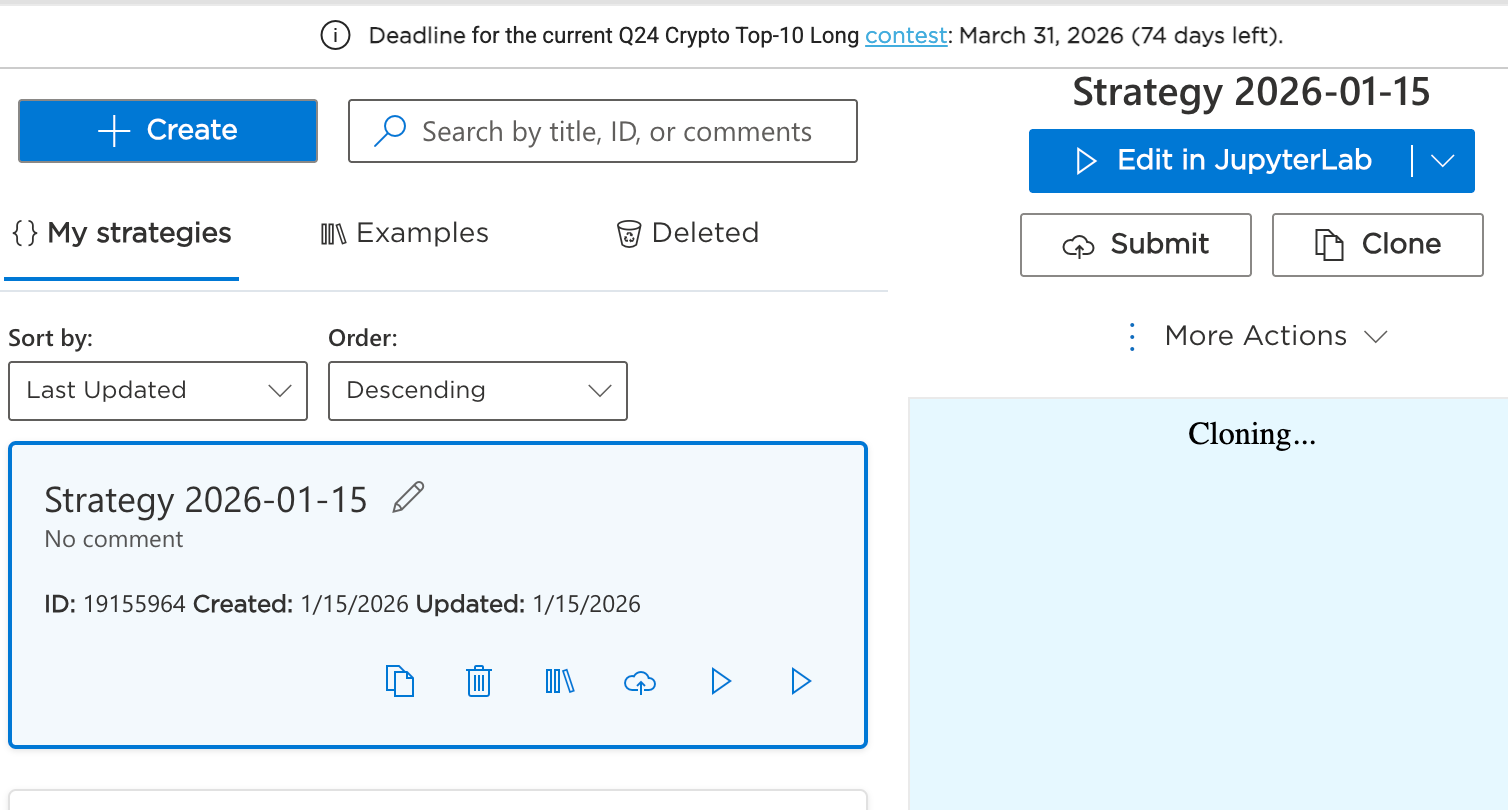
Everything works for me in Chrome — I tested it on Version 143.0.7499.193 (Official Build) (arm64). Sometimes when you click Create strategy it just “flashes,” but that doesn’t mean it wasn’t created.
Usually the next steps are:
- go to My strategies
- the strategy should already appear in the list
- select it
- then click Edit in JupyterLab
One more thing: JupyterLab can take a while to load, especially if your internet connection is unstable — it’s a heavy environment. If JupyterLab doesn’t come up at all, you can try launching it via the regular Jupyter option (either from the dropdown where you see “Edit in JupyterLab” or directly via a button on the strategy page).
If it still doesn’t work, please send your browser version and a screenshot of what you see after clicking Create strategy / in My strategies, and we can pinpoint where it’s getting stuck.
-
@vyacheslav_b Forgive me for the late response, I have not been on the platform. Thank you for your assistance. I can report that I have had no joy in using the strategy builder. I followed what you said and went on to download Chrome and still no joy. The strategy did not even appear under My Strategies. I guess I will just have develop the strategy on my own IDE and upload. Anyway, thanks for assistance, most appreciated.
Cheers